
Alper in Space: Math Adventure
A space journey through math, one digit at a time.
Blast off with Alper, the kid astronaut. Children aged 6–10 learn addition, subtraction, multiplication and division by solving each problem step by step, on their own. Alper shows the carrying and borrowing, but the child does the thinking.
Features
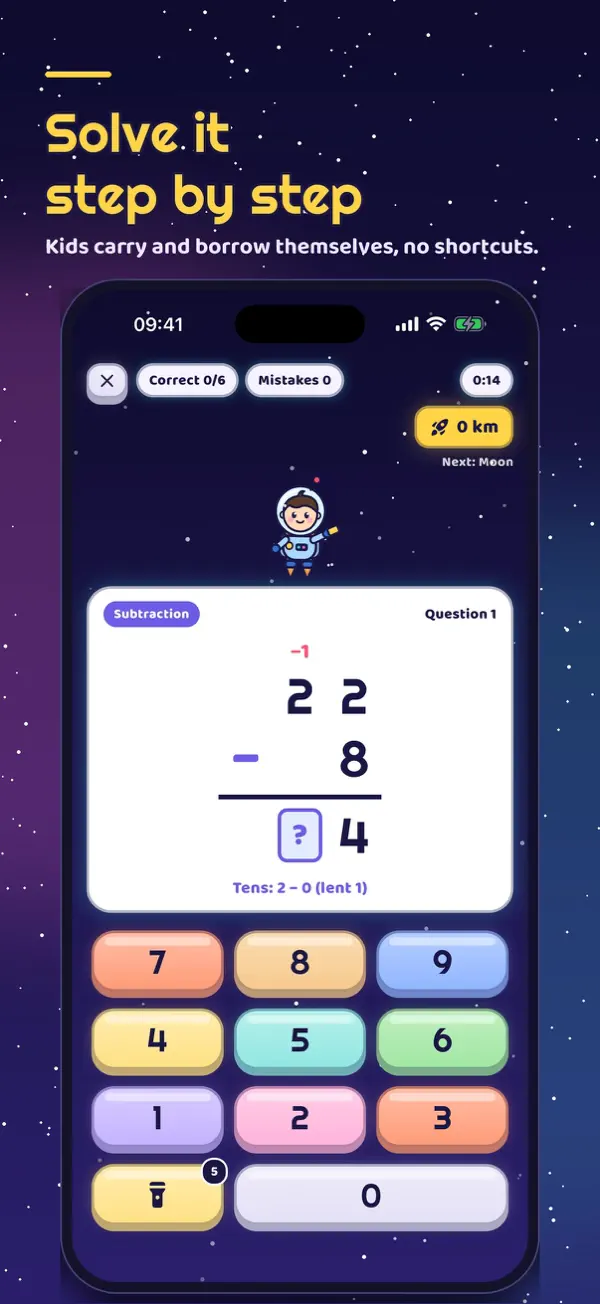
Solve it, don't memorize it
Problems are written in columns and kids fill in every digit themselves, starting from the ones place. Stuck? Alper's flashlight lights up the right key.
All four operations
Addition with carrying, subtraction with borrowing, times tables, two- and three-digit multiplication, long division with remainders.
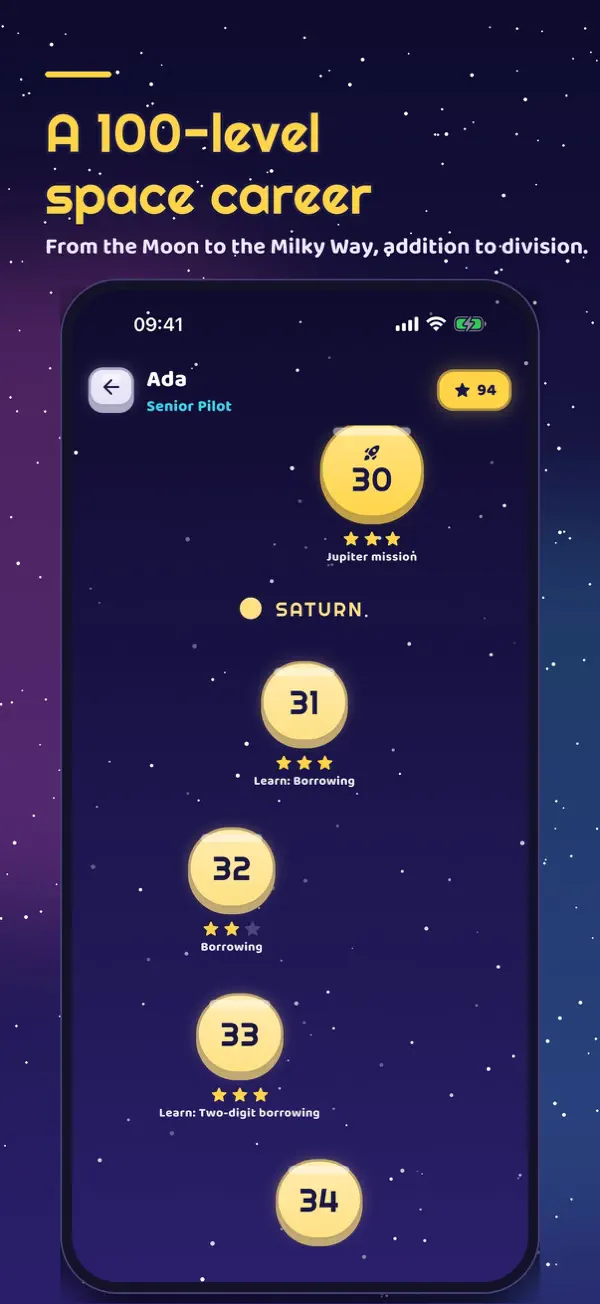
A 100-level space career
10 worlds from the Moon to the Milky Way, 30 skills: learn, practice, review, speed and boss missions. Then endless Deep Space.
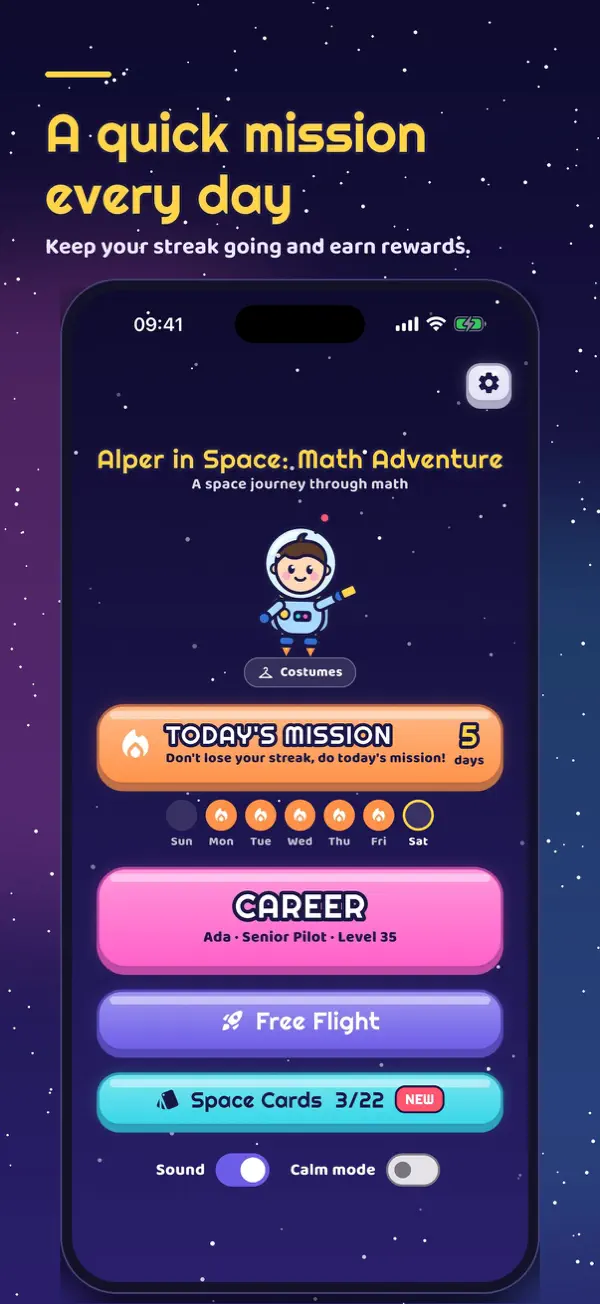
Today's mission and streaks
A short 8-question review every day; play on consecutive days to grow your streak and earn badges.
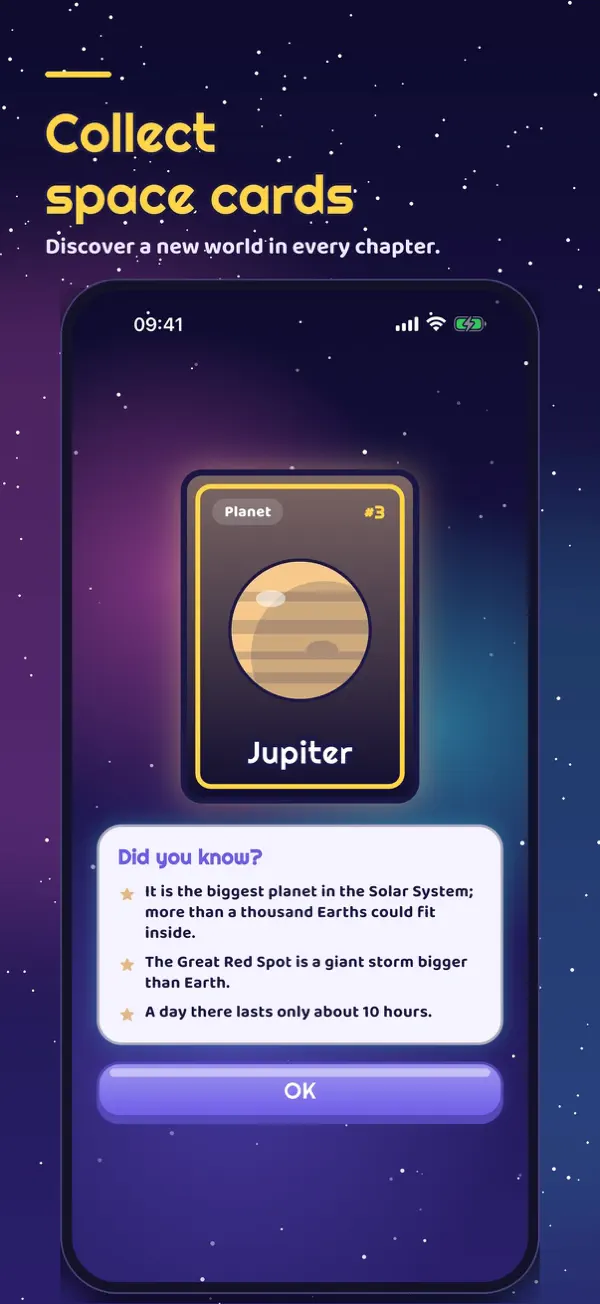
Space cards
Every finished world unlocks a card with kid-friendly facts about planets, moons, stars and galaxies.
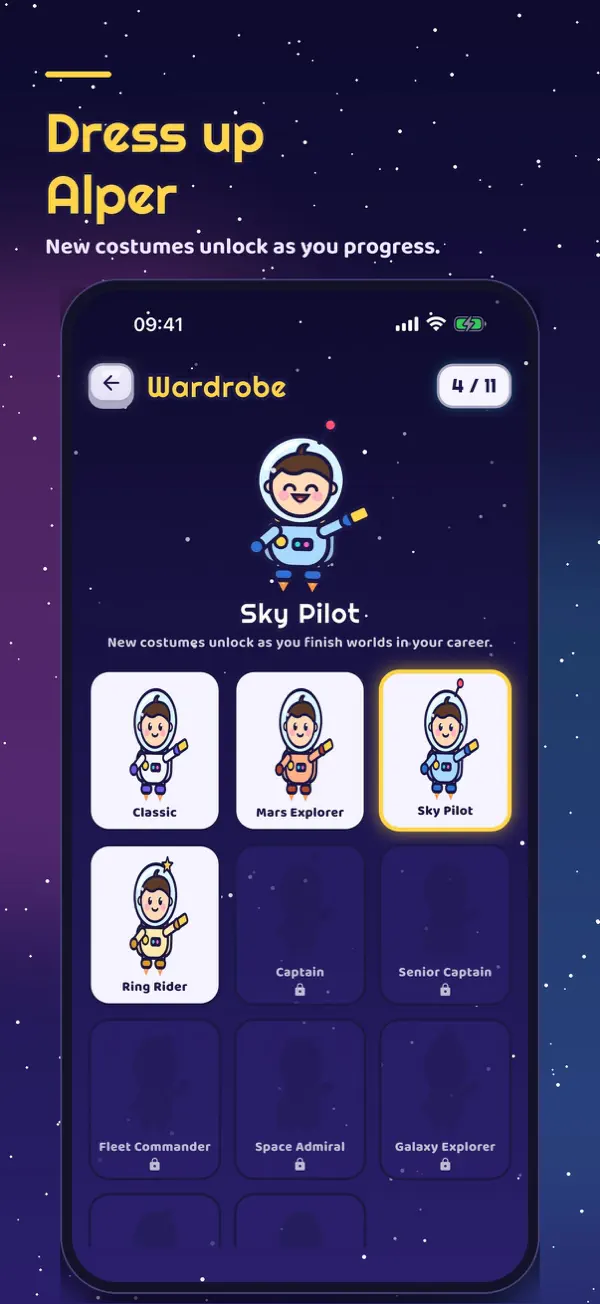
Costumes for Alper
New costumes unlock as you rank up.
Parent panel
Play time, accuracy by operation, hardest topic. Protected by a parental gate and an optional PIN.
Calm mode
Reduces effects and screen shake.
Game Center
15 achievements and two leaderboards; progress is backed up to your Apple account.
Kid-friendly privacy
No accounts to create and no personal data collected. Ads are shown with child-directed settings and are never personalized.
Pricing
Free. Occasional kid-appropriate ads may appear between levels. All purchases sit behind the parental gate in the Space Shop.
Space Club
Ad-free play, unlimited flashlight hints, a weekly streak shield and club-only costumes.
Current prices are shown on the App Store page. Payments are handled by the App Store.
Frequently asked questions
How do I open the parent panel?
Tap the gear icon at the top right of the home screen and answer the written multiplication question. You can set a 4-digit parent PIN in the panel's Settings; after that, the PIN is asked instead.
I forgot my parent PIN.
For safety there is no in-app PIN recovery. Delete and reinstall the app; progress will be lost. Purchases come back with "Restore purchases" in the Space Shop.
My purchase is missing / I changed phones.
Go to Parent panel → Space Shop → "Restore purchases". Ad-free and Space Club membership are restored. Consumables such as flashlight batteries and streak shields stay on the device.
How do I cancel the Space Club subscription?
On iPhone: Settings → your name → Subscriptions. On Android: Google Play → Payments & subscriptions. It stays active until the end of the period.
Why did the flashlight run out?
5 free flashlights are given every day and renew the next day. If a wrong digit is tapped, Alper still shows the right key, so learning is never locked.
Information
- Category
- Game · Education
- Price
- Free (offers in-app purchases)
- Version
- 1.0
- Last updated
- October 27, 2026
- First released
- October 27, 2026
- Size
- 29 MB
- Compatibility
- iPhone and iPad · iOS 15.0 or later
- Age rating
- 4+
- Languages
- English, Turkish
